Client care · 24 sec
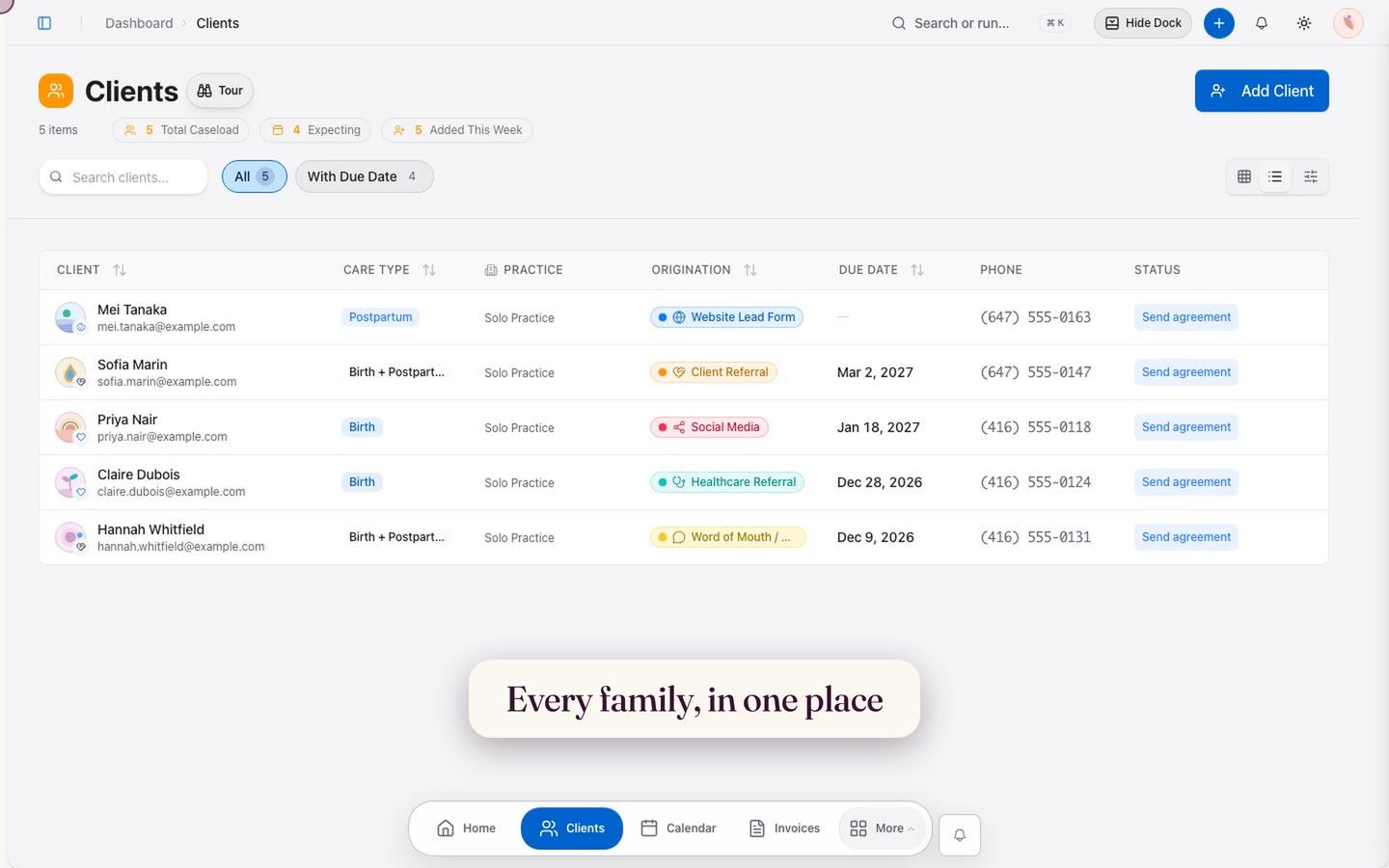
Every family, in one place
Chapter 02 / 05
24 seconds · Sound optional · Captions on screen
Find the right family, preview their details, and choose the view that works for your caseload.
Try clients freeRead the written tourShow stepsHide steps
The video uses a fictional practice and instrumental music. You can follow the same journey with these steps:
- 01Open Clients to see every family in one place.
- 02Filter your caseload by the clients you need.
- 03Search by name, email, or phone number.
- 04Switch between list and card views.
- 05Select a client to preview their details and next steps.
- 06Use Add client to open the guided form.