Getting paid · 24 sec
Invoices without the spreadsheet
Chapter 04 / 05
24 seconds · Sound optional · Captions on screen
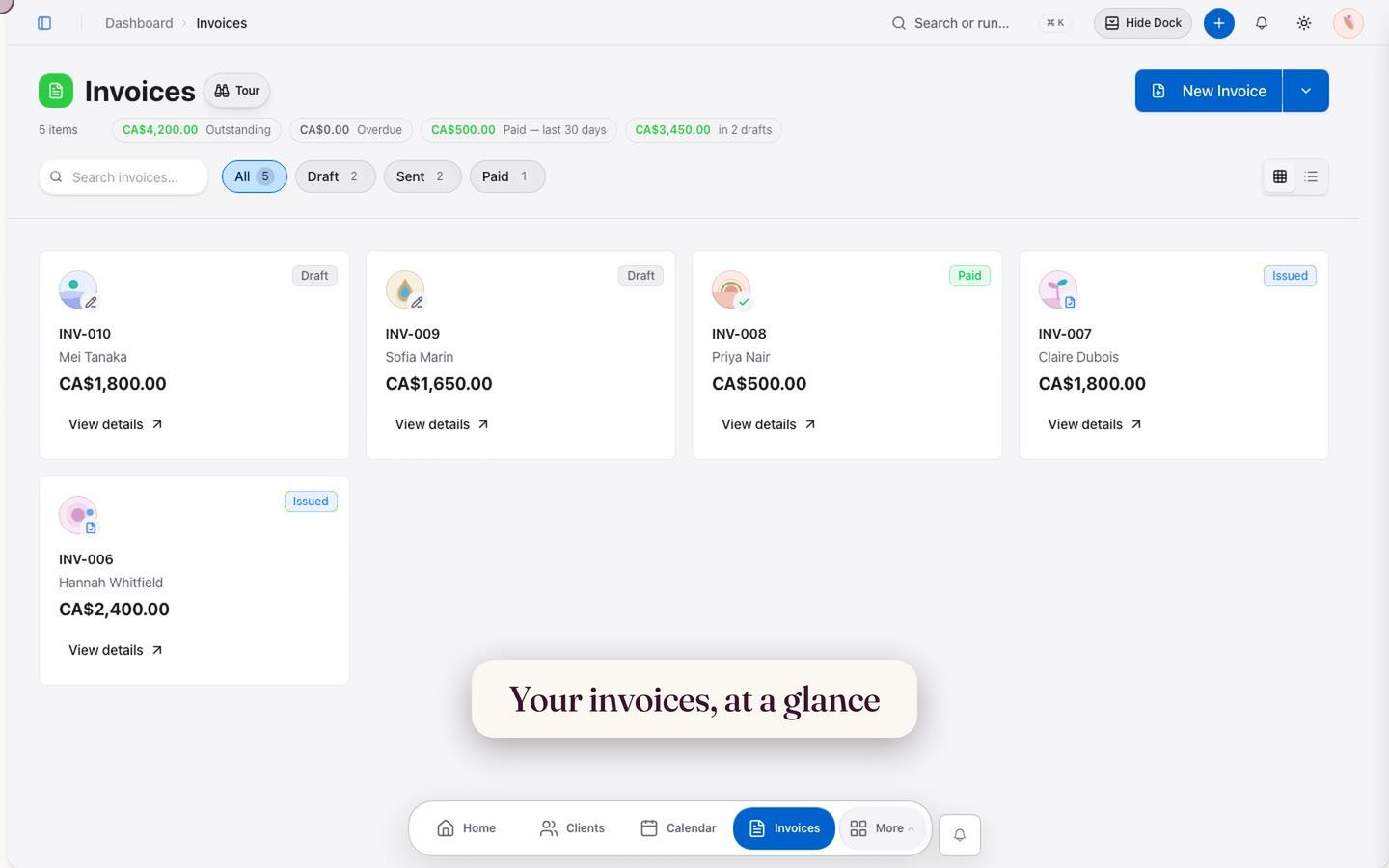
Filter by status, find an invoice, inspect the full picture, and discover the different ways to start billing.
Try invoices freeRead the written tourShow stepsHide steps
The video uses a fictional practice and instrumental music. You can follow the same journey with these steps:
- 01Open Invoices to see amounts and payment status together.
- 02Filter invoices by status.
- 03Search by client or invoice number.
- 04Switch to table view when you need more detail.
- 05Select an invoice to open its full details beside the list.
- 06Use New invoice to create, import, or start from a template.